Last checked: June 2026 — features and pricing may have changed
I used to dread my inbox. Not because I got a ton of emails — but because every time I had to write something even slightly important, I’d sit there staring at the screen for way longer than made sense. A simple reply to a contractor. A follow-up after a meeting. A complaint email I’d rewritten six times and still felt weird about sending.
Then someone in a Facebook group I’m in mentioned they’d been using ChatGPT to draft emails. I rolled my eyes a little. I thought, “There’s no way that’s actually good.” But I tried it anyway, on a Tuesday night after dinner when I had low expectations and nothing to lose.
It changed how I spend my mornings.
This post is about exactly how I use ChatGPT — that’s the AI chatbot made by OpenAI, the one you’ve probably seen on the news — to write emails faster without sounding like a robot wrote them. Step by step, no tech background required.

What You Need Before You Start
- A device with internet (phone, tablet, or computer)
- A free account at chat.openai.com — takes about 3 minutes to set up
- An email you actually need to write (more motivating than practicing with a fake one)
That’s it. No software to install, no credit card needed for the free version.
Why I Was Skeptical at First
I’ll be honest: I assumed ChatGPT would produce something stiff and obvious. The kind of email that sounds like it came from a form letter. “Dear Sir or Madam, I am writing to you today regarding…”
And the first time I tried it, with a vague prompt, that’s kind of what I got. Generic, flat, weirdly formal.
But here’s what I figured out after a few days of experimenting: the result is only as good as what you tell it. Give it a lazy prompt, get a lazy email. Give it actual context — who you’re writing to, what you want to say, what tone you’re going for — and it’s surprisingly good.
I’m talking “I could actually send this” good. Sometimes “this is better than what I would’ve written myself” good.
The Part That Actually Surprised Me
It’s not about replacing your writing — it’s about getting unstuck
The biggest win for me wasn’t speed. It was getting past that blank-page feeling.
I’d sit down to write a complaint email to a company and just… freeze. Because I didn’t want to sound rude, but I also didn’t want to be a pushover. And figuring out that balance while also saying what I needed to say was exhausting.
Now I just tell ChatGPT: “I need to write a complaint email to a subscription company that charged me twice. I want to be firm but polite. I want to ask for a refund and get a response within 48 hours.”
And in about 4 seconds, it gives me a draft.
Is it perfect? Not always. But it’s 80% of the way there, and editing is so much easier than starting from nothing.
It remembers context within the same conversation
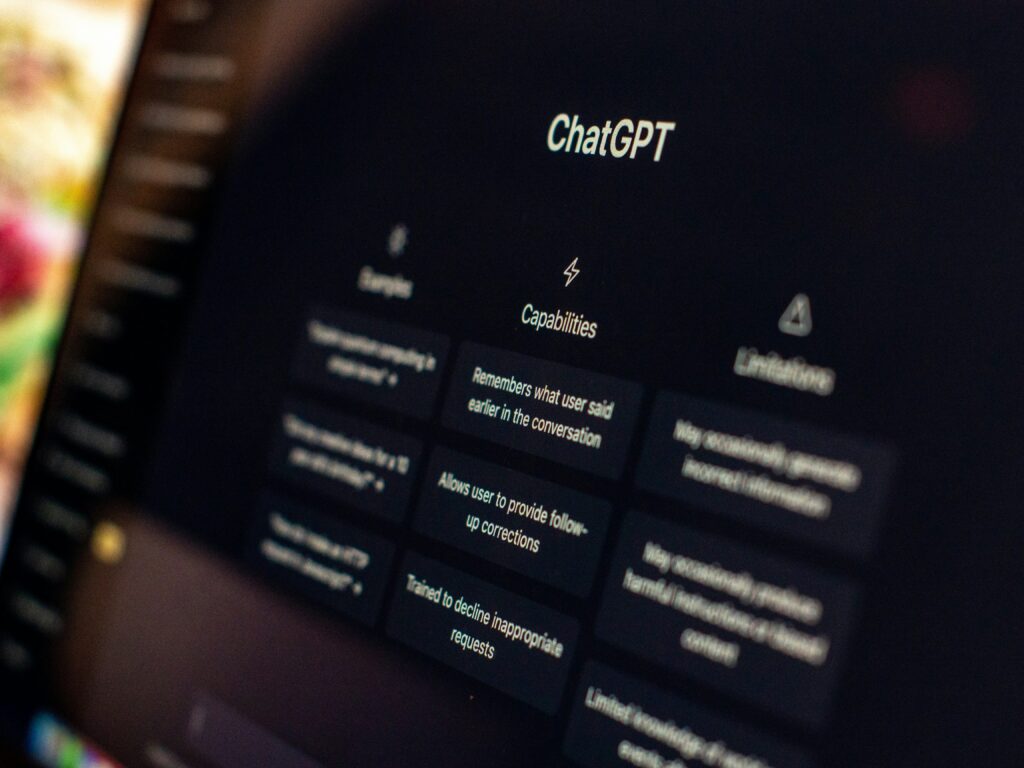
This surprised me. Once you’re in a conversation with ChatGPT, it remembers what you’ve already told it. So if I say “I’m writing to my landlord about a broken heater” and then follow up with “now make it shorter and less formal,” it knows exactly what I’m talking about.
You don’t have to re-explain everything. It’s like texting back and forth with someone who was actually paying attention.
How to Get Started: Step by Step
This is the part I wish someone had shown me, so I’m going to be specific.
Step 1. Go to chat.openai.com and create a free account. Use your email address. You’ll verify it, pick a password, and you’re in.
Step 2. Once you’re in, you’ll see a text box at the bottom of the screen. That’s where you type. Think of it like a search bar, except instead of a website, you’re talking to an AI.
Step 3. Before you ask it to write your email, give it context. The magic formula I use is:
Who am I writing to? What’s the situation? What do I want to happen? What tone should it be?
You don’t have to use those exact words. Just think through those four things and type them out naturally.
Step 4. Read what it gives you. If something’s off, just say so. “Make it shorter.” “Add that I’ve been a customer for 7 years.” “Make it sound less corporate.” It’ll adjust.
Step 5. Copy the final version into your email app, read it one more time, and send.
The first time I did this whole process, it took me maybe 11 minutes. That includes setup. Now it takes me about 2.
Where I Thought It Would Fail (It Didn’t)
Personal emails
I honestly didn’t expect this to work for anything that needed to sound like me. But I tested it on a tricky email to a friend I’d had a disagreement with. I typed out the whole messy situation — more than I would’ve expected to share with a chatbot — and asked it to help me write something that was honest but not aggressive.
What came back wasn’t exactly what I would’ve written. But it gave me phrases I wouldn’t have thought of, and it helped me say what I actually meant without all the emotional static.
I edited it a lot. But the final email was better than I would’ve sent without help.
Professional emails where I wasn’t sure of the etiquette
I’m not in a corporate environment. When I suddenly had to write to a potential business contact about a collaboration, I had no idea what was normal. What level of formality? How long? Do you follow up or wait?
I asked ChatGPT. Not just to write the email — but to explain the norms first, then write it. That context made the whole thing less intimidating. (You can use it like this too, for anything you’re unsure about.)
The Honest Limitations
It can get weird with very specific details. If your email requires information only you have — specific dates, dollar amounts, names, history with a person — you’ll need to feed all of that in, or fill it in after.
It also sometimes over-explains. I frequently have to say “cut this in half” because the default output is longer than I’d naturally write.
And occasionally it guesses wrong about tone, especially for personal situations. That’s okay. Just redirect it. “Actually, I want this to feel warmer — we’re old friends.”
None of these are dealbreakers. They’re just things to know going in so you’re not thrown off the first time it misses.
A Real Week of Using This
For about 3 weeks now, I’ve been using ChatGPT for almost every email that isn’t a one-line reply. Here’s what I’ve noticed: I spend maybe 15-20 minutes less per day on email than I used to. That sounds small. But over a month, that’s something like 7-8 hours back.
I’ve also sent emails I would’ve put off for days. The complaint email I mentioned earlier? Sent it the same night. Got a full refund 3 days later.
That’s not magic. That’s just actually following through.
If you want to go deeper on how ChatGPT can help with other everyday tasks, check out this post on what ChatGPT can do for beginners And if you’re curious how AI tools can help with your finances too, this AI budgeting post is worth a look.
Give it one real try with an email you’ve been putting off. That’s all I’d suggest.